From prompt to production file: a generative print workflow for 2026
Text prompts can become production-ready seamless repeats in minutes. This guide walks through the four-stage workflow: AI generation, vector conversion, colourway creation and quality checks.

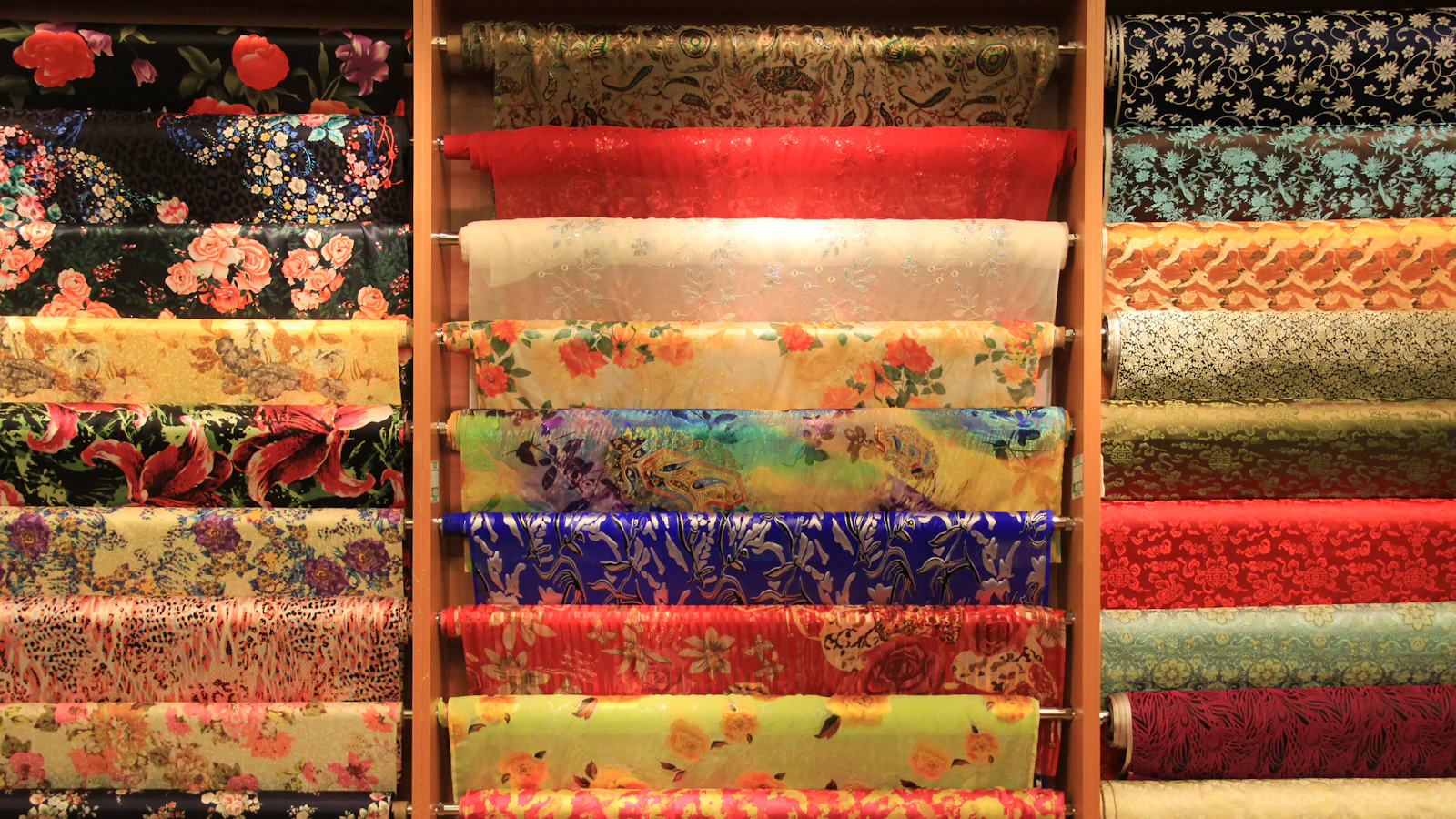
KEY TAKEAWAYS Summary by the editors
- More than 35 per cent of fashion executives already use generative AI for image creation and product discovery.
- The industry standard for production-quality fabric printing is 300 DPI at the final print size.
- Creating half-drop or step repeats manually takes 45 to 90 minutes per pattern, whilst AI tools can deliver the same result in under one minute.
- 78 per cent of fashion brands now use some form of digital colourway visualisation in their buyer presentation workflow, up from 31 per cent in 2022.
A generative print workflow transforms a text prompt into a production-ready file through four stages: AI generation from descriptive prompts, vector conversion for scalable output, colourway creation for collection planning, and quality checks for print readiness. More than 35 per cent of fashion executives already use generative AI for image creation, whilst 78 per cent of fashion brands now use digital colourway visualisation in their buyer presentation workflow. The complete workflow, from initial prompt to export, can be completed in under an hour.
How do you generate a print from a text prompt?
Text-to-image generation starts with a prompt that describes both the motif and the substrate. In the text to textile workflow you write two things: the motif, its colours and its mood, and the fabric and scale it is printed on. A prompt such as "watercolour peonies in blush pink on ivory, printed cotton poplin, medium-scale repeat" directs the AI to generate a seamless tile suited to fabric production. The result is a seamless repeat built to tile across cloth, in square format by default or in any of ten formats from 21:9 to 9:16.
Quality begins at generation. Most platforms offer standard and premium quality tiers. Enhance to HD brings the tile to 2K for every account, or 4K from the Pro plan, which is what digital printing on cloth needs. Generating at maximum resolution avoids the need for upscaling later. The initial output is a raster image in PNG or JPEG format, suitable for concept review but not yet optimised for production.
Why convert AI-generated prints to vector format?
AI-generated images are raster files that look sharp at small sizes but blur and break down when scaled. Professional print requires vector artwork where logos and graphics are built from mathematical paths that remain crisp at any size. Vector conversion is essential for placement prints, logos and graphics that appear at multiple scales across a collection. For all-over seamless repeats, vector conversion is optional; the priority is resolution at final print size.
Upload a raster pattern or illustration and convert it into a scalable vector with control over colour count for textile printing, screen printing and professional production workflows. During conversion, specify the number of colours to match your printing method. Reduce colours for screen printing, simplify complex artwork, or preserve more detail for rich textile designs. Patterned AI preserves the repeat structure so your vector output can still tile correctly. Export formats include SVG for web and digital use, and Adobe Illustrator AI files with separated colour layers for production.
How do you create a seamless repeat that tiles correctly?
Most generative textile tools build seamless repeats by default. Each pattern is generated to tile, so it can run the length of a bolt without a visible seam. The four main repeat types are block, half-drop, half-brick and step. For most fabric production, half-drop is the standard. AI repeat tools analyse the edges of an existing design and rebuild them so the tile matches in block, half-drop, half-brick or step layouts, usually in under a minute.
In textile production, a pattern that is not truly seamless creates visible lines or disruptions when printed on fabric. Before finalising any repeat, tile the design at least four by four in your design software and inspect the edges at 100 per cent zoom. To create a seamless repeat, choose a repeat type, size the tile to your print method, make the motifs that cross each edge continue on the opposite edge, then tile the design at least 4x4 to check for seams before you export at final print size.
What is the fastest way to create multiple colourways?
A colourway is the same pattern design reissued in different colour combinations. Separating the colours automatically, then recolouring by hand, by a colour rule or from a saved palette, lets a designer try many colourways and keep the colour layers for production. AI-powered colourway tools detect the dominant colours in a source file and allow recolouring by preset palette or custom hex codes.
Most textile prints use three to five colours. In MYTH, Colorway finds two to 22 colours in a design, shows the nearest Pantone for each and exports a TIFF with one layer per colour. It runs free in the browser. For buyer presentations, digital colourway renders now dominate initial review. 67 per cent of buyers now prefer digital line sheets for initial colourway review, according to NRF's 2025 State of Retail report. Physical samples are still expected for final order confirmation and production approval, but the initial selection round is increasingly digital.
What are the production file requirements for textile printing?
Production readiness depends on four parameters: resolution, colour mode, file format and repeat dimensions. The industry standard for production-quality fabric printing is 300 DPI at the final print size. Depending on the end use of the fabric, a resolution of 150 DPI may be sufficient, especially if the print is intended to be seen from a distance. A 300 DPI file with blurry edges and interpolation artifacts will print worse than a clean 200 DPI file.
TIFF is the preferred format for professional textile mills. When a mill asks for a production-ready file, they almost always mean a CMYK TIFF at 300 DPI. PNG is acceptable for digital print-on-demand platforms. JPEG introduces compression artifacts and should be avoided for final production files. The format label matters far less than one number: the effective resolution of your artwork at the real-world size it will be printed.
Which quality checks prevent production delays?
A six-point checklist confirms production readiness before sending files to the mill or printer. First, verify resolution in your image editor: in Photoshop, navigate to Image, Image Size and confirm the resolution is set to 300 DPI at actual print dimensions. Second, tile the repeat at least four by four and inspect edges at 100 per cent zoom for visible seams or misalignments. Third, check colour mode matches the printing method: CMYK for offset and most digital textile printers, RGB for dye-sublimation.
Fourth, confirm file dimensions match the intended repeat size. A 12-inch repeat at 300 DPI requires a 3,600 pixel file. Fifth, flatten all layers and convert text to outlines or rasterise before export. Sixth, save the working file with layers intact, then export a separate flattened production file. Input is a scanned or photographed fabric swatch. Output is a clean, Pantone-matched, seamless, print-ready file at production DPI. Maintain a consistent file naming convention that includes pattern name, colourway identifier, repeat type, resolution and date.
The workflow from prompt to production file compresses what was once a multi-day sampling process into a single session. For a simple block repeat, manual creation takes 15 to 30 minutes. For a half-drop or step repeat, expect 45 to 90 minutes per pattern. AI tools reduce these timelines to seconds whilst maintaining production quality. The designer's role shifts from technical execution to creative direction: writing effective prompts, selecting the strongest concepts, refining colourways and confirming quality before export.
Frequently asked questions
Can AI-generated prints go directly to production without vector conversion?
Yes, if the print is an all-over seamless repeat and the file meets resolution requirements. The industry standard for production-quality fabric printing is 300 DPI at the final print size. Vector conversion is essential only for placement prints, logos or graphics that need to scale. For seamless repeats, generate at maximum resolution and export as TIFF or PNG at 300 DPI.
How many colourways should a seasonal print collection include?
Most textile prints use three to five colours. For buyer presentations, offer between three and six colourways per print. 67 per cent of buyers now prefer digital line sheets for initial colourway review. Present digitally for initial selection, then produce physical samples of the selected colourways for final approval.
What resolution should I use for large-format prints such as curtains or bedding?
Depending on the end use of the fabric, a resolution of 150 DPI may be sufficient, especially if the print is intended to be seen from a distance. For home textiles viewed from two metres or more, 150 to 200 DPI is acceptable. For apparel and accessories viewed at close range, maintain 300 DPI. Always confirm with your printer before reducing resolution.